 Code Editor
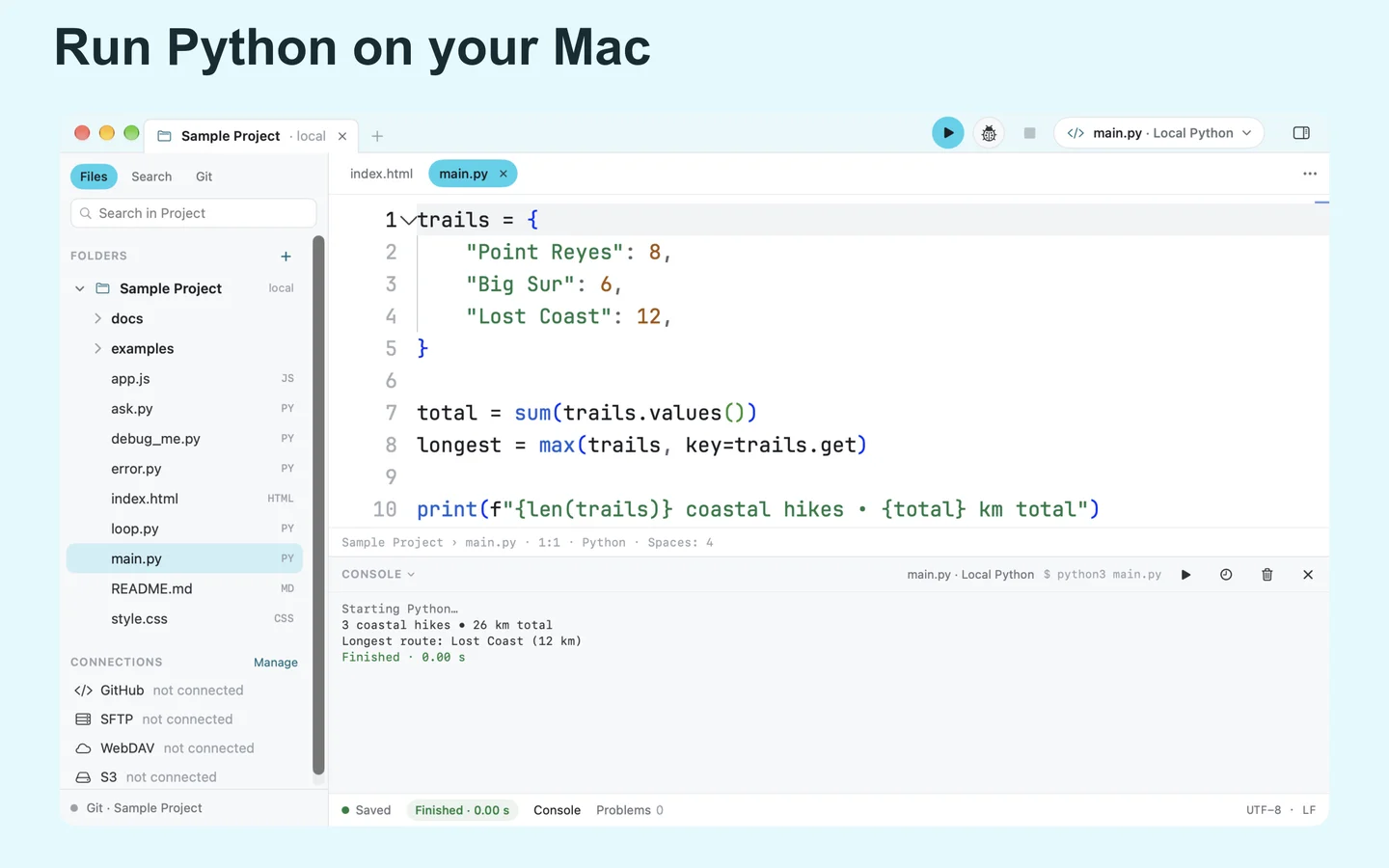
Run Python locally
Run a Python script on your Mac and read its output in the console.
Learn to run PythonCode editor for Mac
Code Editor for Mac brings HTML and CSS, a live web preview, local Python, and Markdown into one workspace.
Open the sample project in Code Editor, then follow the same steps shown in the video.
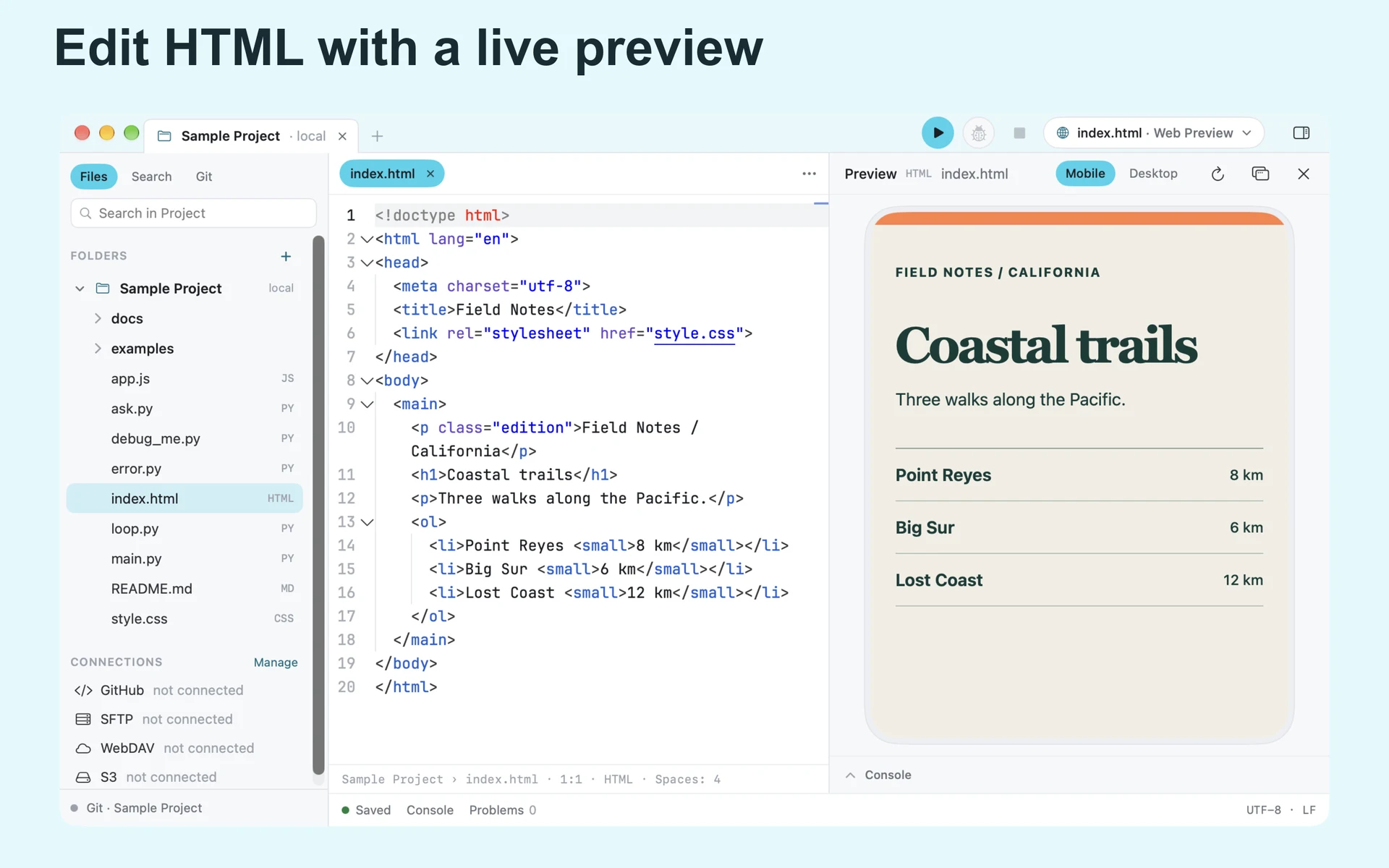
Show the Files panel and select index.html in the project tree.
Choose Web Preview in the toolbar and press Run. The page opens alongside your code.
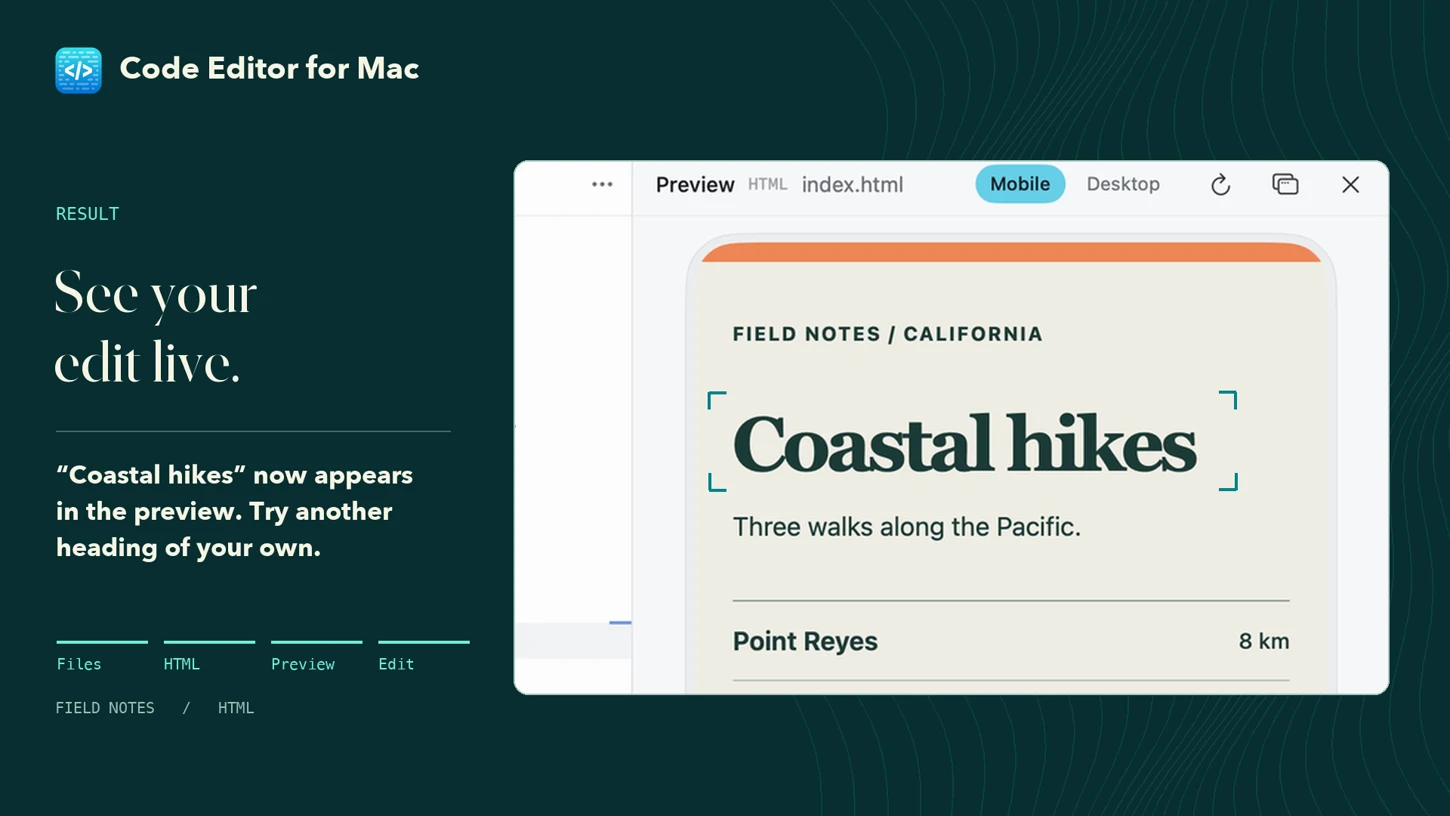
Change a heading in the HTML and press ⌘S. The preview shows the new heading.
Keep related files in a project folder. Open a local folder, clone a Git repository, or work with files over SFTP.
Run a Python script on your Mac and read its output in the console.
Learn to run Python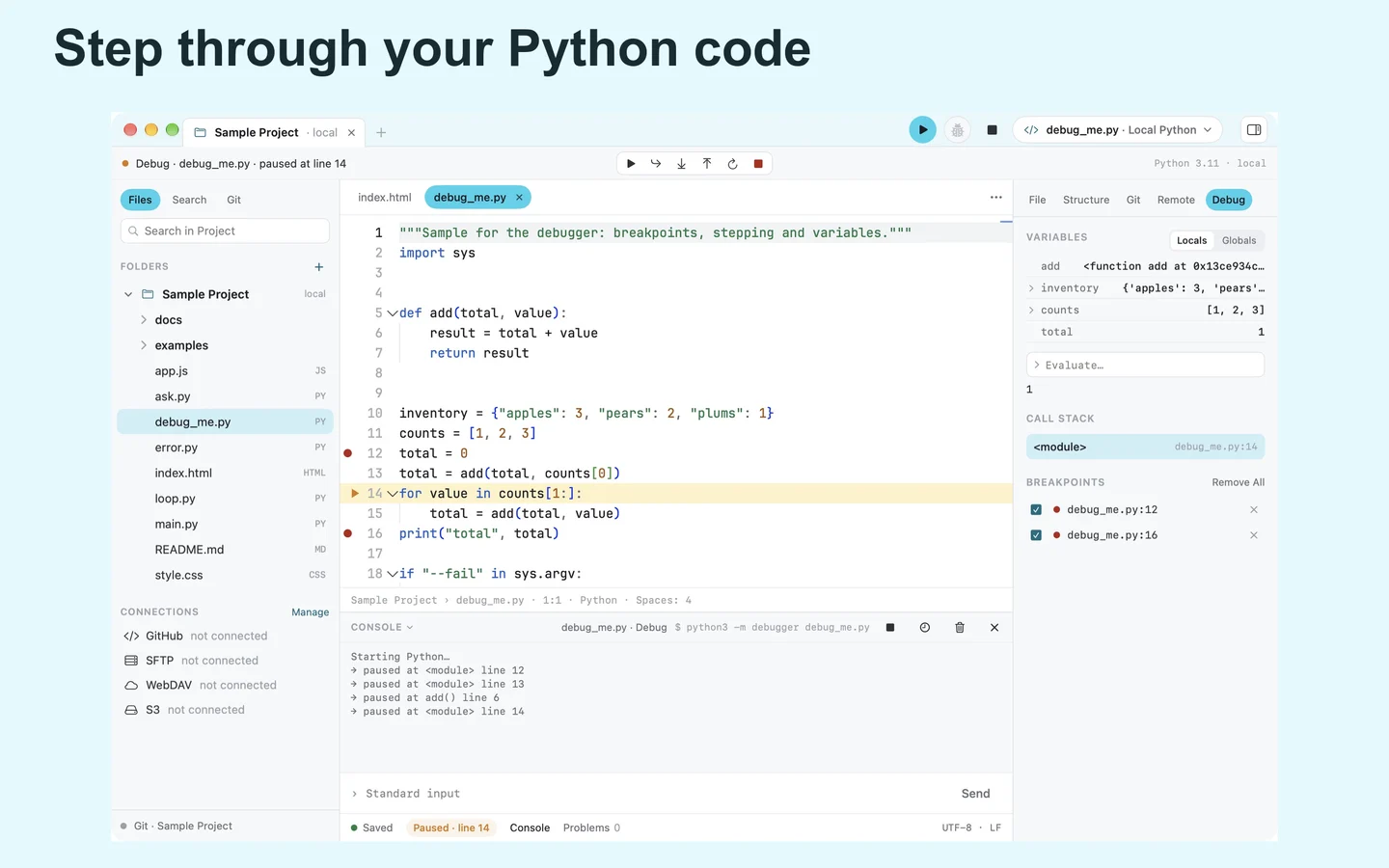
Set a breakpoint, step through your script, and inspect variables while execution is paused.
Learn to debug Python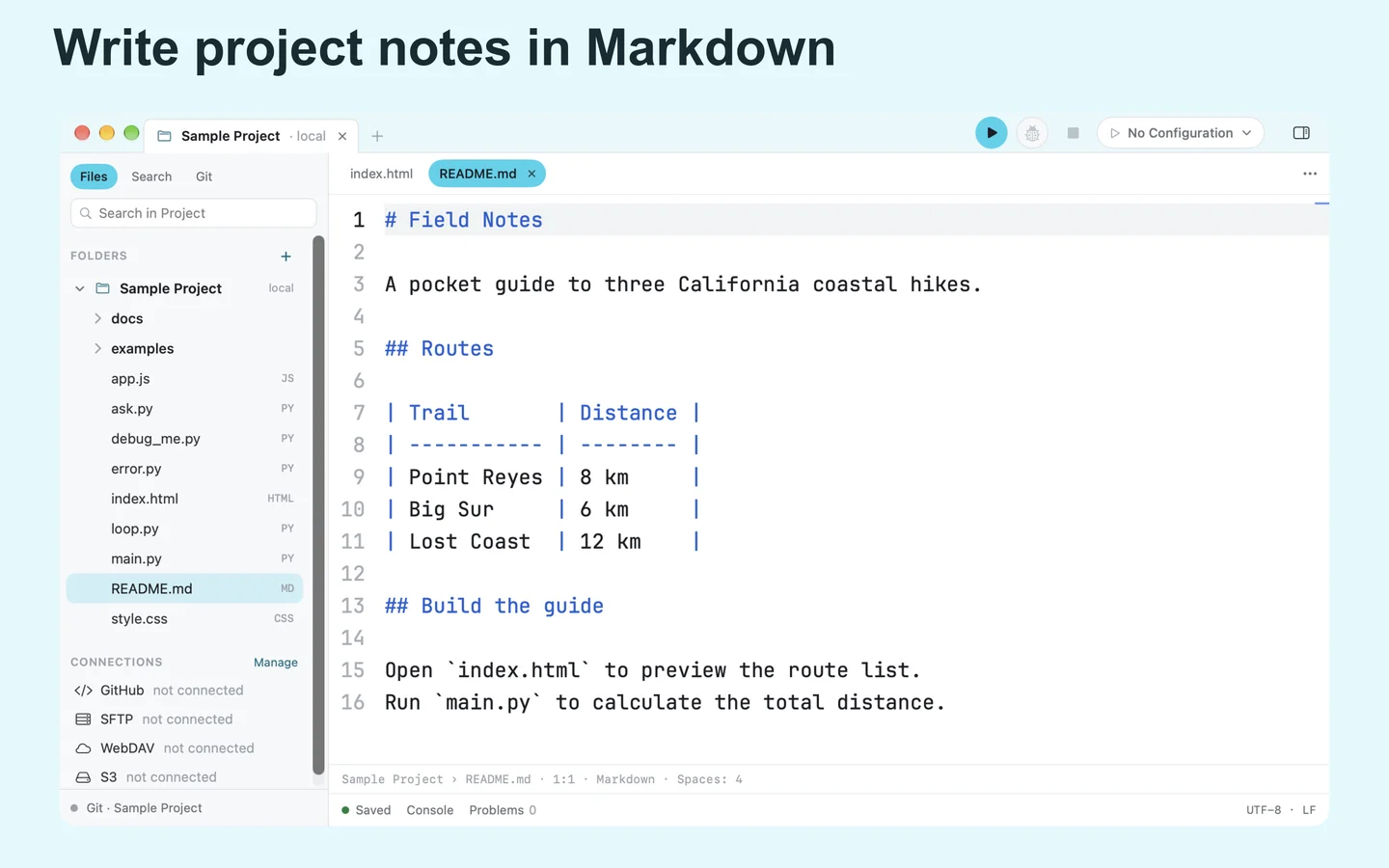
Edit a README in the same workspace as your HTML and JavaScript. Open two files side by side when you need both in view.
Edit Markdown files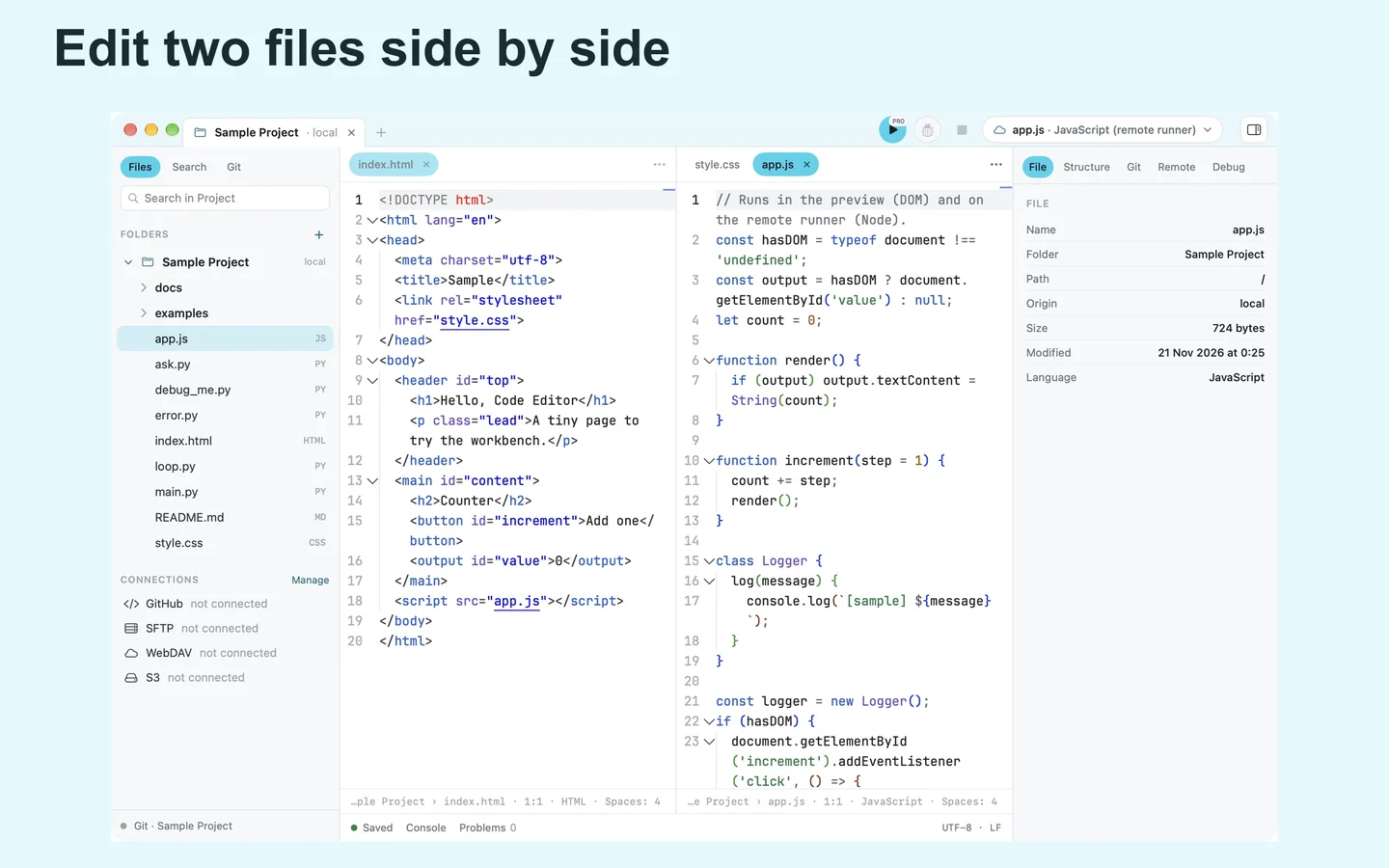
Keep your stylesheet beside the HTML and move between both without closing your project.
Use the split editorOpen a folder, select an HTML file, and run Web Preview alongside the editor.